Docs / Using Vollector
Profiles and leaderboard
The leaderboard, collectibles, tokens, portfolio charts, the activity feed and sharing.
Prefer plain text, or handing this to an assistant? Read it as markdown.
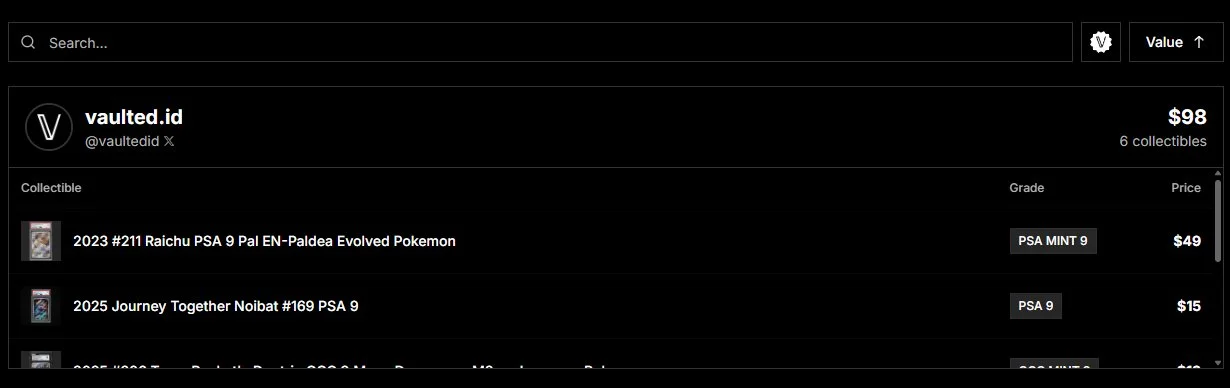
Once you are set up, you join the Leaderboard, our main page where you stand alongside other top collectors. It is the ultimate flex.
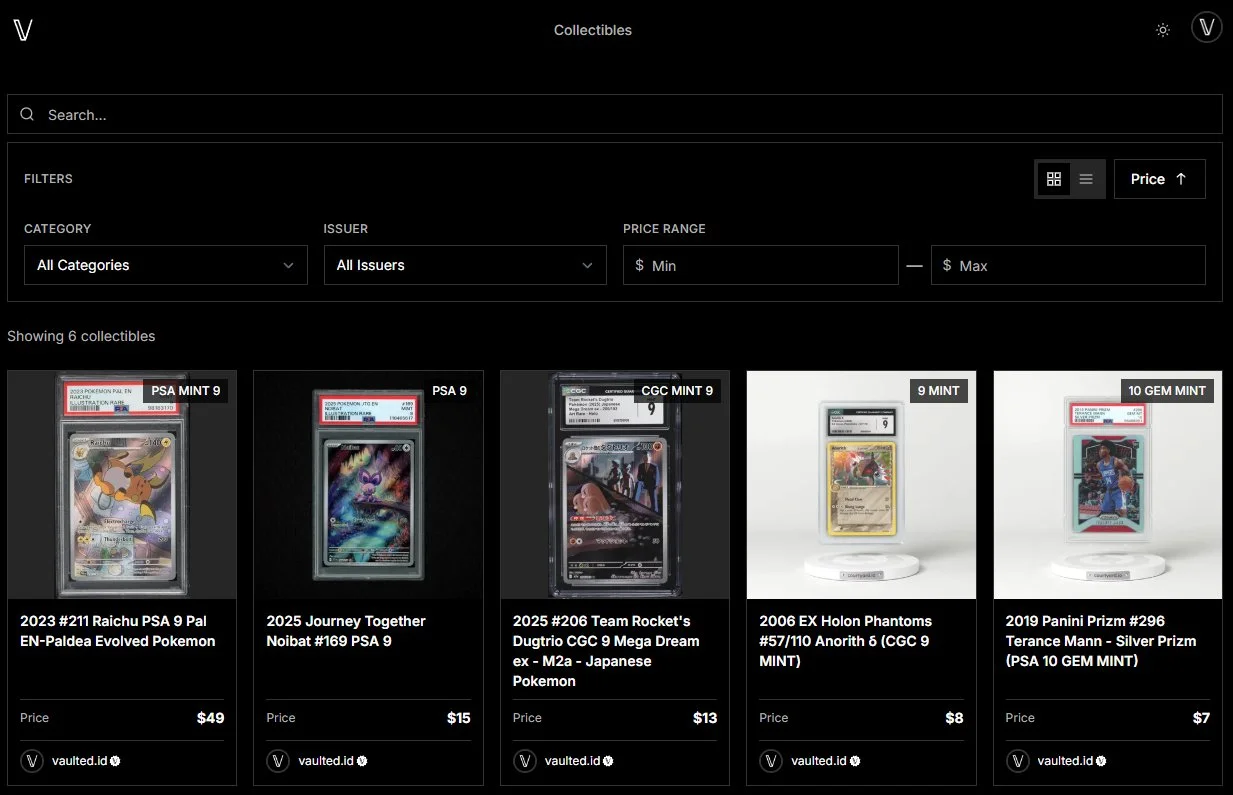
You can also browse and filter the collectibles in our community vaults on the Collectibles page.
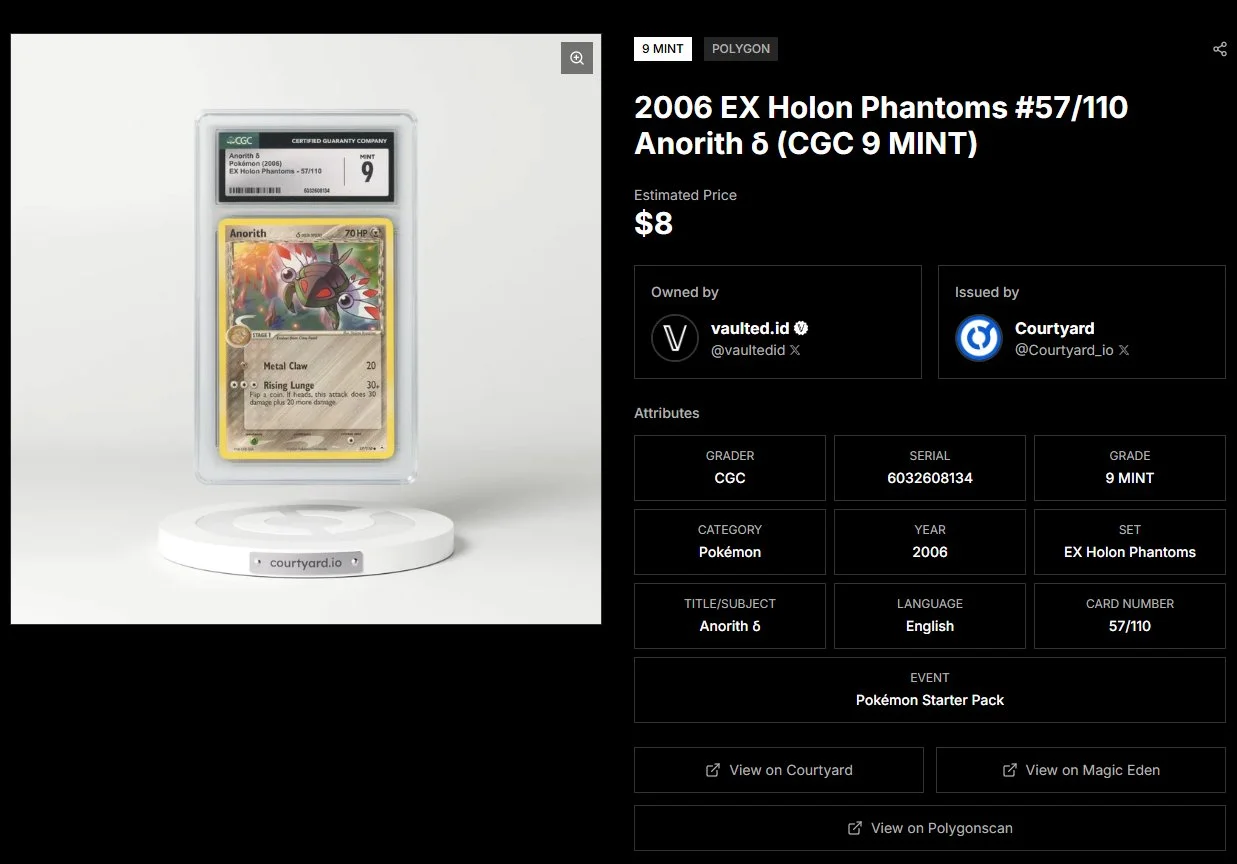
When you click on a specific item, you get the full breakdown: high-res imagery, the current owner linked to their X profile, the issuer linked to their website, asset attributes and metadata, direct links to marketplaces like Magic Eden or block explorers, and if the item is graded, a direct link to its grading company certificate.
On the Tokens page you can browse the partner project tokens listed on Vollector, each with live price, market cap, 24h change and a chart, and follow the ones you care about.
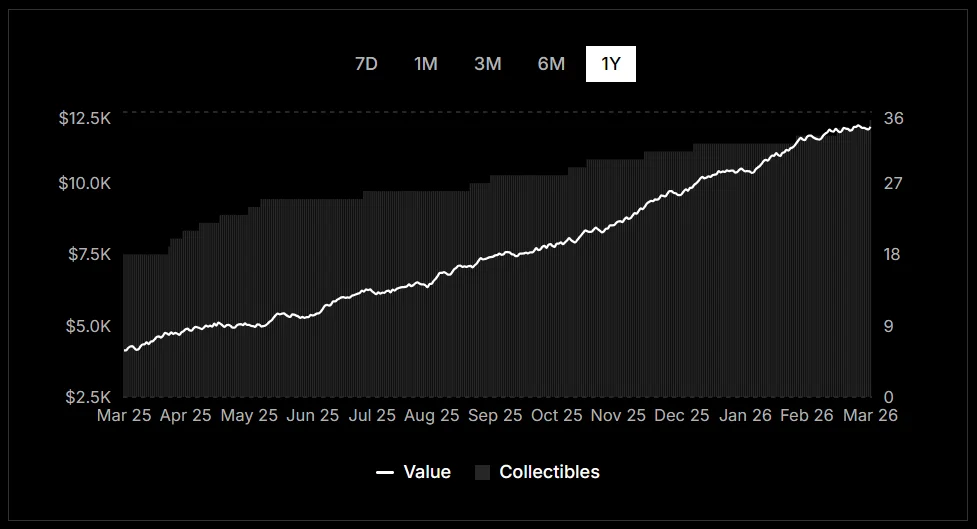
Each profile also includes a Portfolio Chart that tracks the total value of any collection over time. You can view history across 7 days, 30 days, 90 days, and up to 1 year. Pro users get the full year of history unlocked.
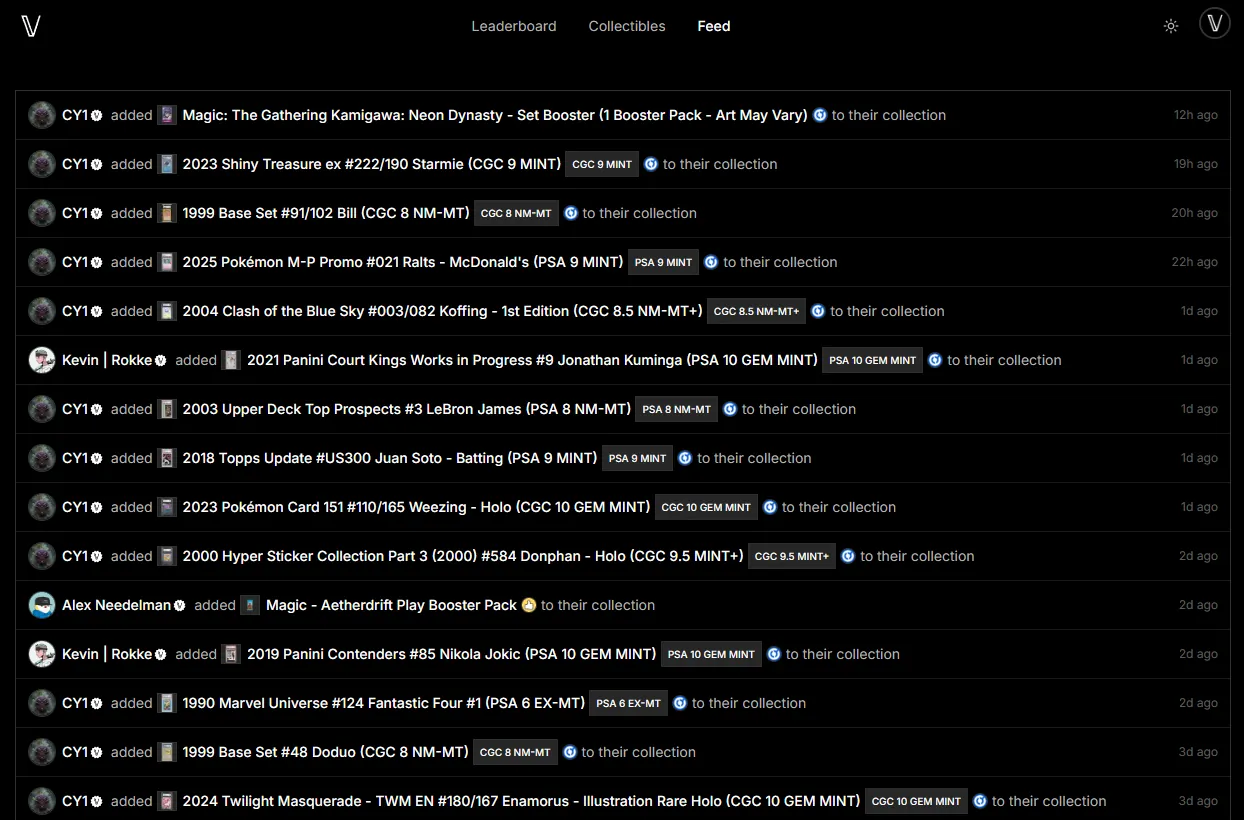
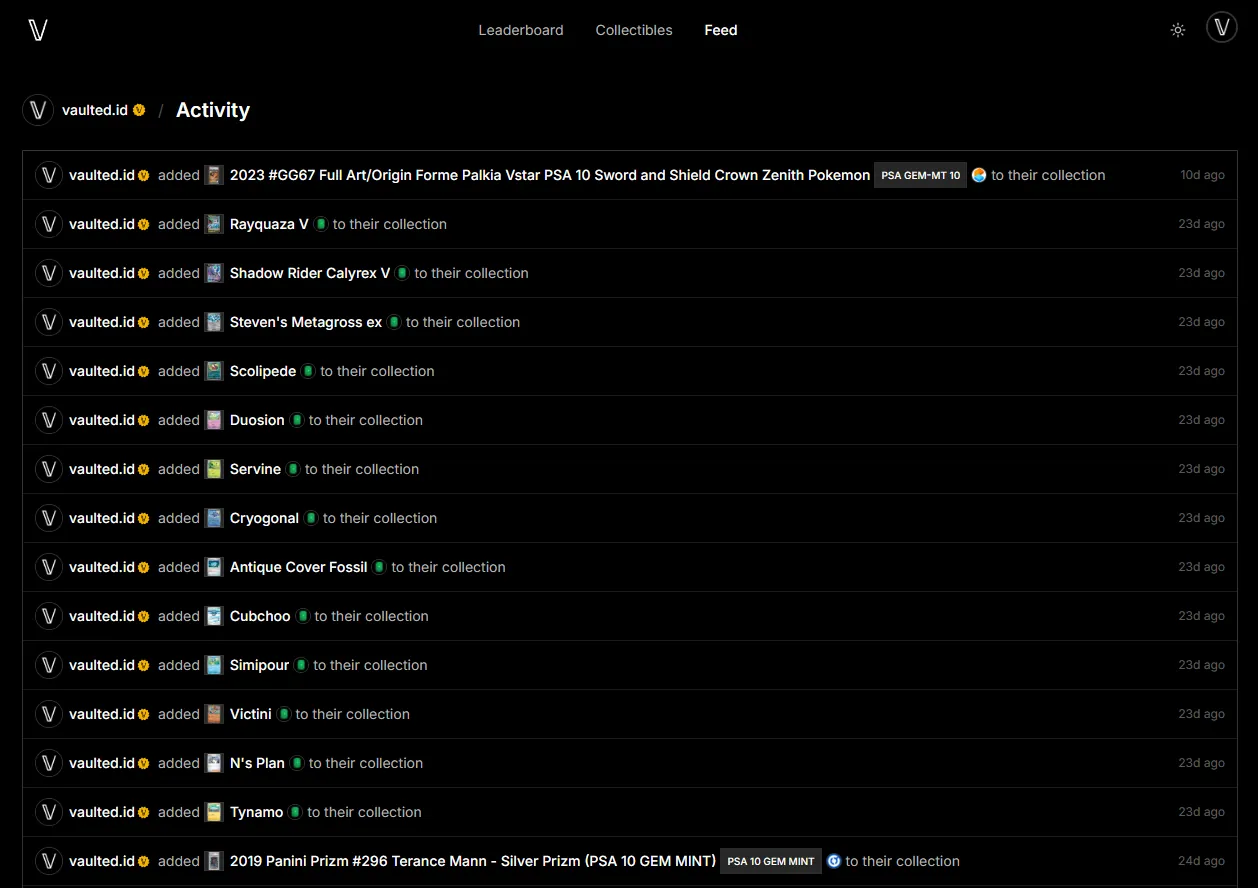
The Activity Feed at /f shows a live stream of everything happening across the community: new collectors joining, collectibles being added to vaults, and Pro or Partner activations. You can also filter the feed to any specific collector by hitting the Activity button on their profile.
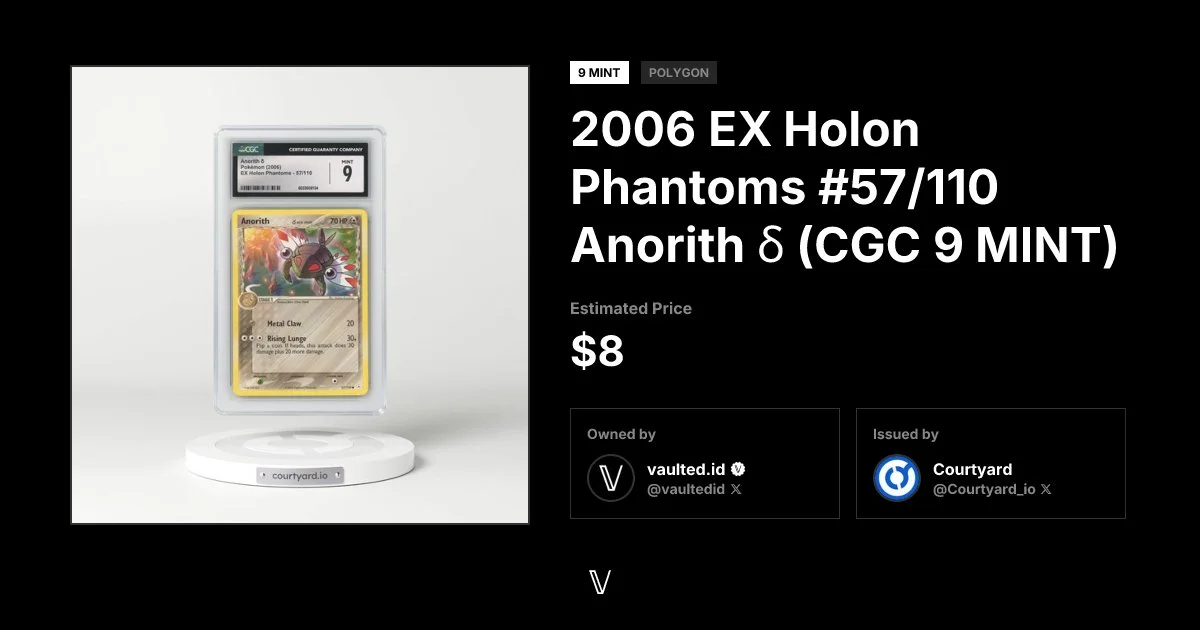
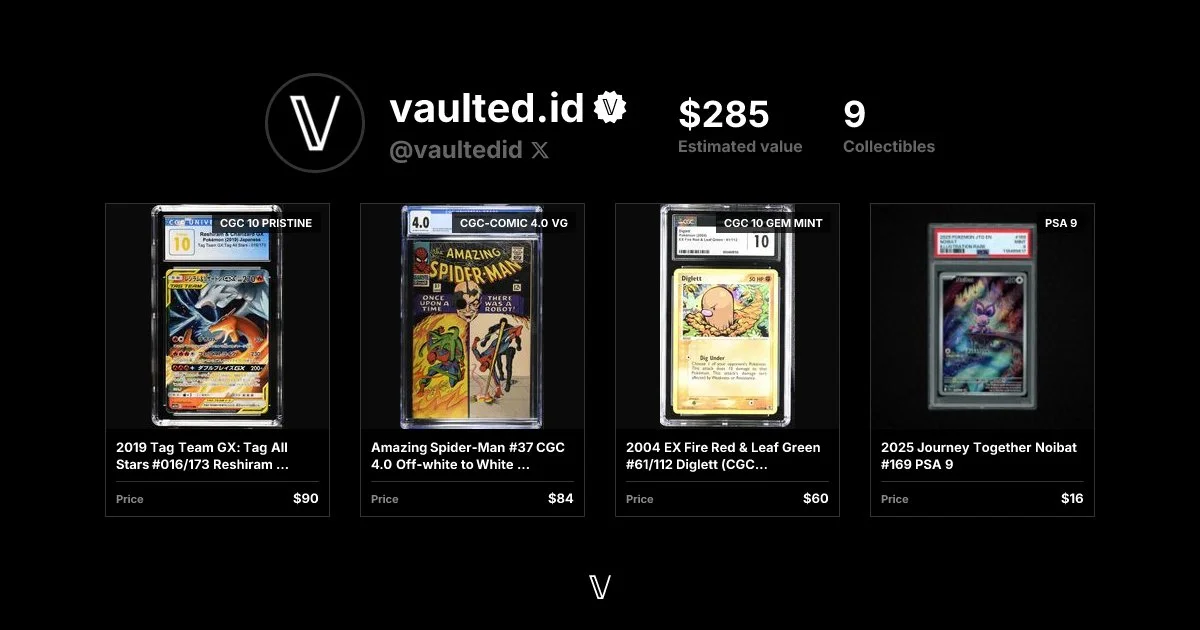
Plus, sharing is beautiful. You can share a link to your profile, binder page, or a specific collectible. We automatically generate a custom preview image so it looks great on your timeline.
Profile
Binder page
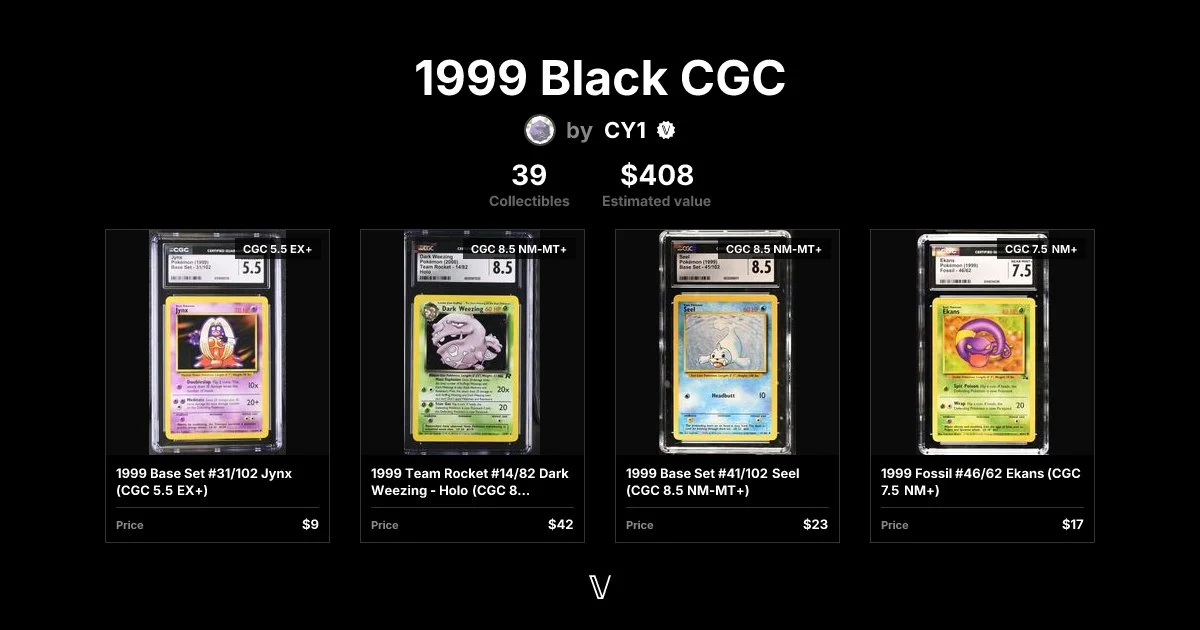
Collectible